
Xamarin Forms で背景をアニメーションさせる
Xamarin Forms で重ねた BoxView に対する ScaleTo アニメーションを使い、滑らかに動く背景エフェクトを作ります。
最近、Xamarin Forms でアニメーションを触り始め、自分のアプリ (Charades for Dota 2) のためにかっこいい背景アニメーションを作ったので、共有しようと思います。前置きはここまで、最終結果はこちらです。
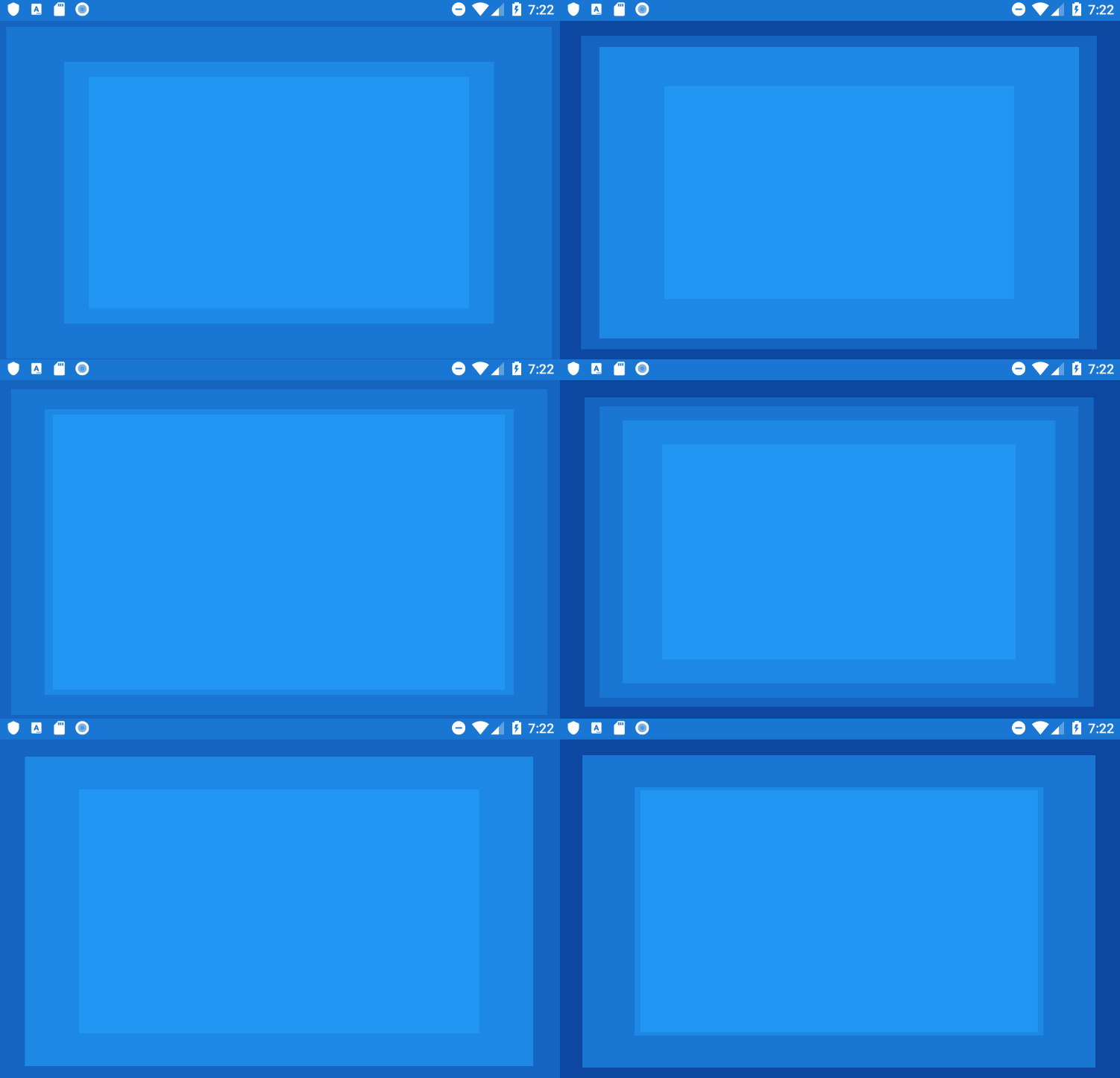
GIF が少しカクついていますが、これは私の PC がエミュレーターをきちんと動かしきれないためです。実機ではアニメーションは滑らかです。
それでは、これをどう作ったかです。まず、色を選びます。今回は 5 色必要で、1 色をアプリの背景、4 色を動かしたい各レイヤー用にします。手軽に進めるために Material Color を選びましょう。500 から 900 までの濃淡を使います。これらの色を、アプリやページのリソースとして追加します。
<ContentPage.Resources>
        <Color x:Key="Color500">#2196F3</Color>
        <Color x:Key="Color600">#1E88E5</Color>
        <Color x:Key="Color700">#1976D2</Color>
        <Color x:Key="Color800">#1565C0</Color>
        <Color x:Key="Color900">#0D47A1</Color>
</ContentPage.Resources>
次に、各レイヤーが固有の色を持つ BoxView となる 4 層の背景レイヤーを持つようにページを構成します。色を最も濃いものから明るいものへ並べている点に注目してください。
<Grid x:Name="LayoutRoot" BackgroundColor="{StaticResource Color900}">
        <BoxView x:Name="BackgroundLayer1" BackgroundColor="{StaticResource Color800}" />
        <BoxView x:Name="BackgroundLayer2" BackgroundColor="{StaticResource Color700}" />
        <BoxView x:Name="BackgroundLayer3" BackgroundColor="{StaticResource Color600}" />
        <BoxView x:Name="BackgroundLayer4" BackgroundColor="{StaticResource Color500}" />
</Grid>
ページの準備ができたら、あとは個々のレイヤーをアニメーションさせるだけです。今回は ScaleTo メソッドを使って、各レイヤーを縮めたり伸ばしたりします。ScaleTo は 3 つのパラメーター (アニメーション先のスケール、アニメーション時間 (ミリ秒)、使う easing 関数) を受け取り、後ろの 2 つはオプションです。次のように 1 つのレイヤーを縮めます。
await BackgroundLayer1.ScaleTo(0.9, 2500, Easing.SinOut);レイヤーを縮め終わったら — アニメーションの完了を await で待っていることに注目 — 反対のアニメーションを行って大きくする必要があります。これをループで繰り返します。
while (true)
{
    await BackgroundLayer1.ScaleTo(0.9, 2500, Easing.SinOut);
    await BackgroundLayer1.ScaleTo(1.2, 1750, Easing.SinInOut);
}
同じことを 4 つのレイヤーすべてについて、別々のループで行えば、上の GIF と同じ効果になります。以下が 4 レイヤーすべてをアニメーションさせる完全なコードです。
public partial class MainPage : ContentPage
{
    public MainPage()
    {
        InitializeComponent();
        AnimateBackground();
    }

    private void AnimateBackground()
    {
        AnimateBackgroundLayer1();
        AnimateBackgroundLayer2();
        AnimateBackgroundLayer3();
        AnimateBackgroundLayer4();
    }

    private async void AnimateBackgroundLayer1()
    {
        while (true)
        {
            await BackgroundLayer1.ScaleTo(0.9, 2500, Easing.SinOut);
            await BackgroundLayer1.ScaleTo(1.2, 1750, Easing.SinInOut);
        }
    }

    private async void AnimateBackgroundLayer2()
    {
        while (true)
        {
            await BackgroundLayer2.ScaleTo(0.8, 2750, Easing.SinOut);
            await BackgroundLayer2.ScaleTo(1, 2250, Easing.SinInOut);
        }
    }

    private async void AnimateBackgroundLayer3()
    {
        while (true)
        {
            await BackgroundLayer3.ScaleTo(0.7, 3000, Easing.SinInOut);
            await BackgroundLayer3.ScaleTo(0.9, 2500, Easing.SinOut);
        }
    }

    private async void AnimateBackgroundLayer4()
    {
        while (true)
        {
            await BackgroundLayer4.ScaleTo(0.6, 1750, Easing.SinOut);
            await BackgroundLayer4.ScaleTo(0.8, 2000, Easing.SinInOut);
        }
    }
}
以上です。うまくいかない場合や手助けが必要な場合は、下のコメントへどうぞ。サンプル全体はもともと GitHub にありましたが、リポジトリは現在公開されていません。
Comments
Sign in with GitHub to comment. Reactions and replies thread back to the comments repo.